Every business in India that files GST knows the pain. Purchase invoices, sales invoices, bank statements — matching them manually is slow, error-prone, and nobody's favourite part of the month. SmartCA, powered by Smart ITBox, was built to solve exactly that with AI-powered extraction and bank-grade accuracy.
I handled the entire frontend of this platform solo, delivering it in under two months.
What the Platform Does
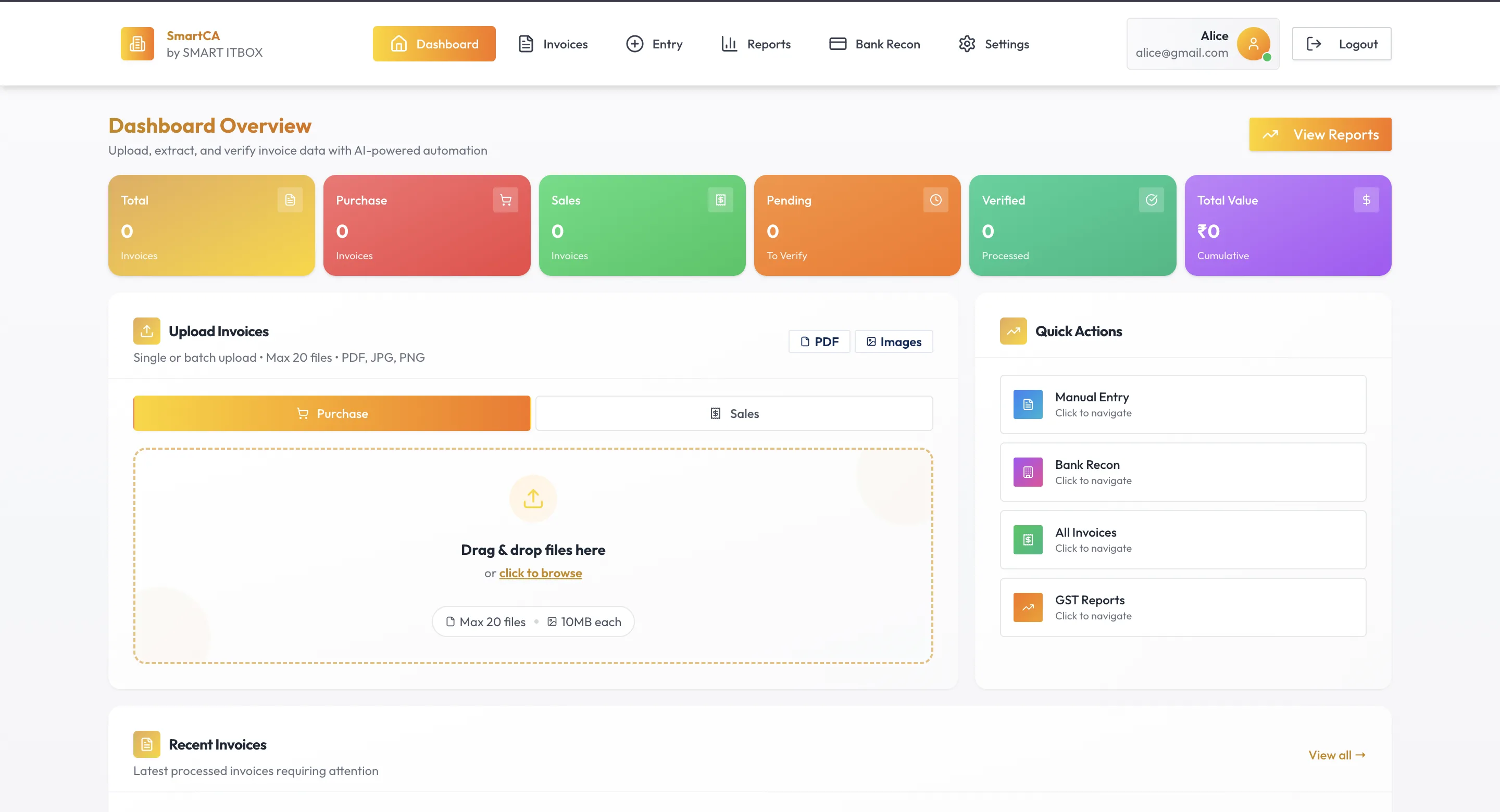
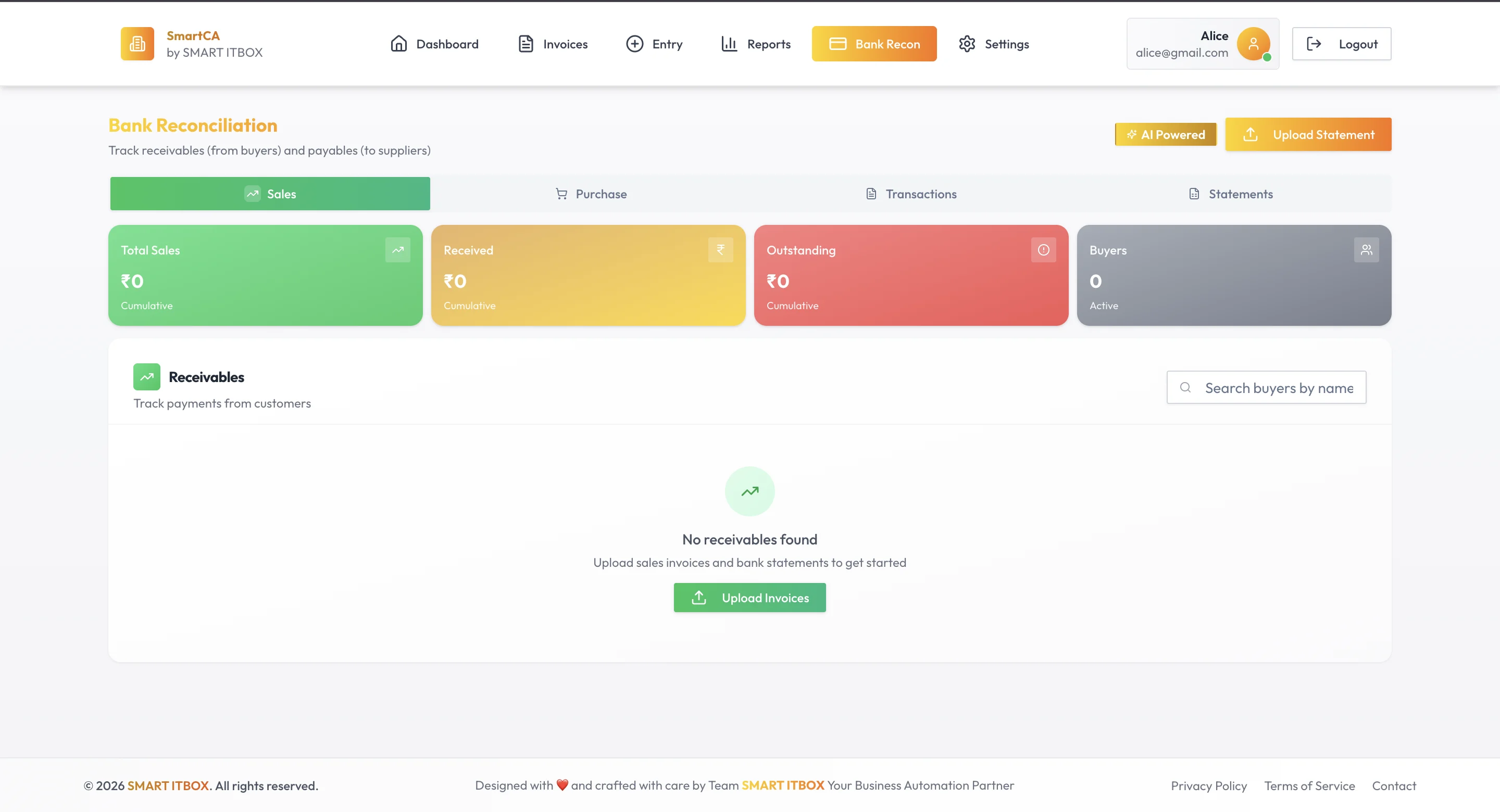
SmartCA is a financial web application that lets businesses upload invoices — PDFs, JPGs, or PNGs, up to 20 files at a time — and have them automatically extracted, verified, and reconciled against bank statements. The dashboard gives users a real-time overview of total invoices, purchase invoices, sales invoices, pending verifications, processed entries, and cumulative value. Bank reconciliation, GST reports, manual entry, and settings — all from a single clean interface.
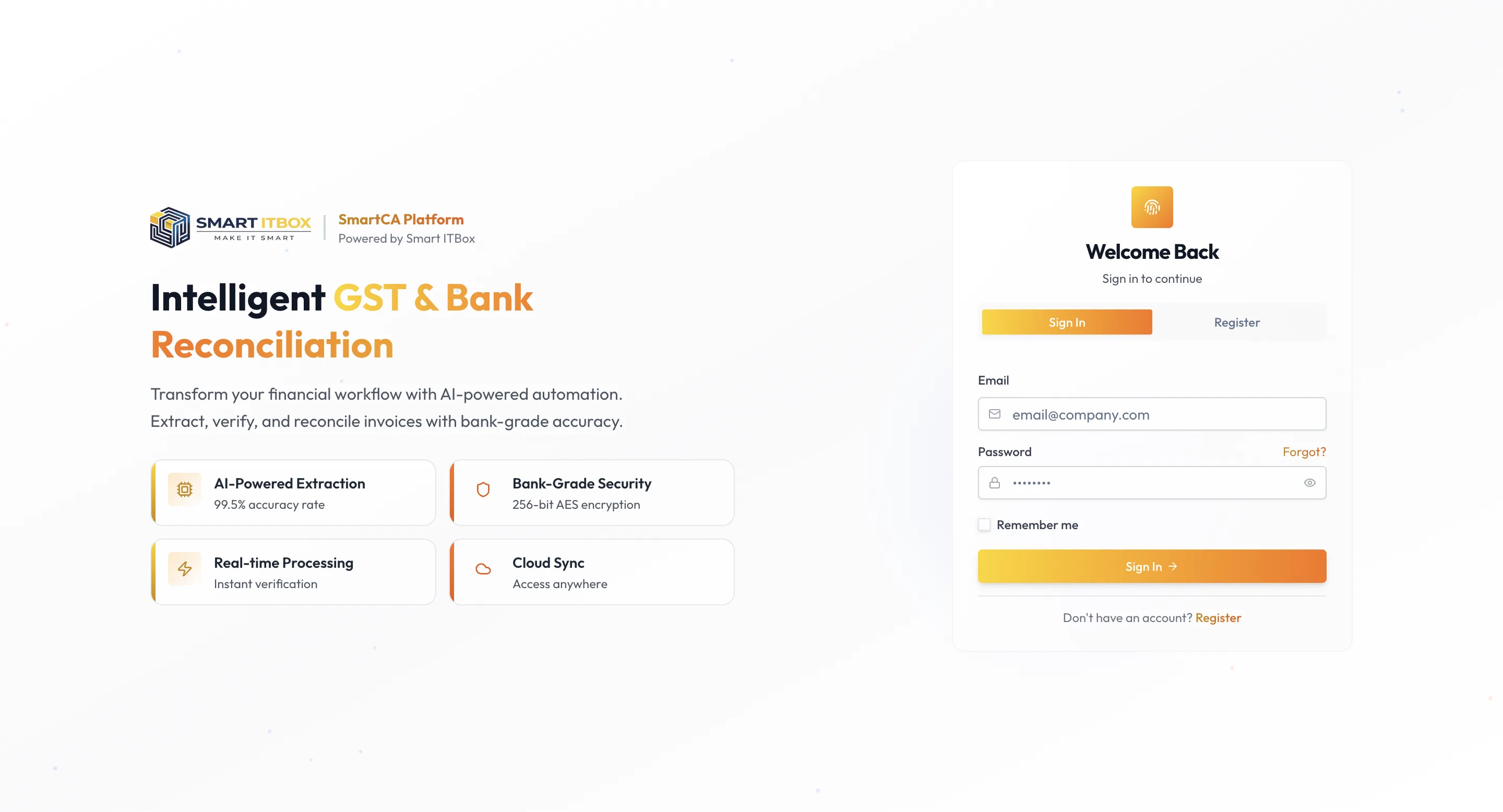
The login page sets the tone clearly: AI-powered extraction at 99.5% accuracy, real-time processing with instant verification, 256-bit AES encryption, and cloud sync for access anywhere. These aren't marketing claims — they're features the frontend had to surface clearly and trustworthily to users handling sensitive financial data.
The Frontend Challenge
Financial dashboards have a specific design pressure that consumer apps don't. Users are accountants, business owners, and finance teams — people who need density without confusion. Every number on the dashboard means something. The colour-coded invoice cards — yellow for total, red for purchase, green for sales, orange for pending, teal for verified, purple for cumulative value — weren't decorative choices. They were functional ones, letting users scan their financial status at a glance without reading labels.
The invoice upload flow needed to feel fast and confident. Drag and drop, batch upload support, clear file size limits, immediate feedback — small details that matter when someone is uploading 20 invoices at once and needs to trust the system is handling them correctly.
Building all of this in React while keeping the interface clean, responsive, and consistent with Smart ITBox's brand across a multi-section dashboard required careful component architecture and attention to state management throughout.
Working on a Fintech Product
This was my first frontend project in a genuinely fintech context. The stakes feel different when the data on screen represents real money and real tax obligations. That heightened the care I brought to every interaction — error states, loading indicators, confirmation flows, empty states. Each one needed to communicate clearly, because a confused user in a financial tool is a real problem.
Built with: React.js, Financial dashboard UI, File upload handling, Data visualization