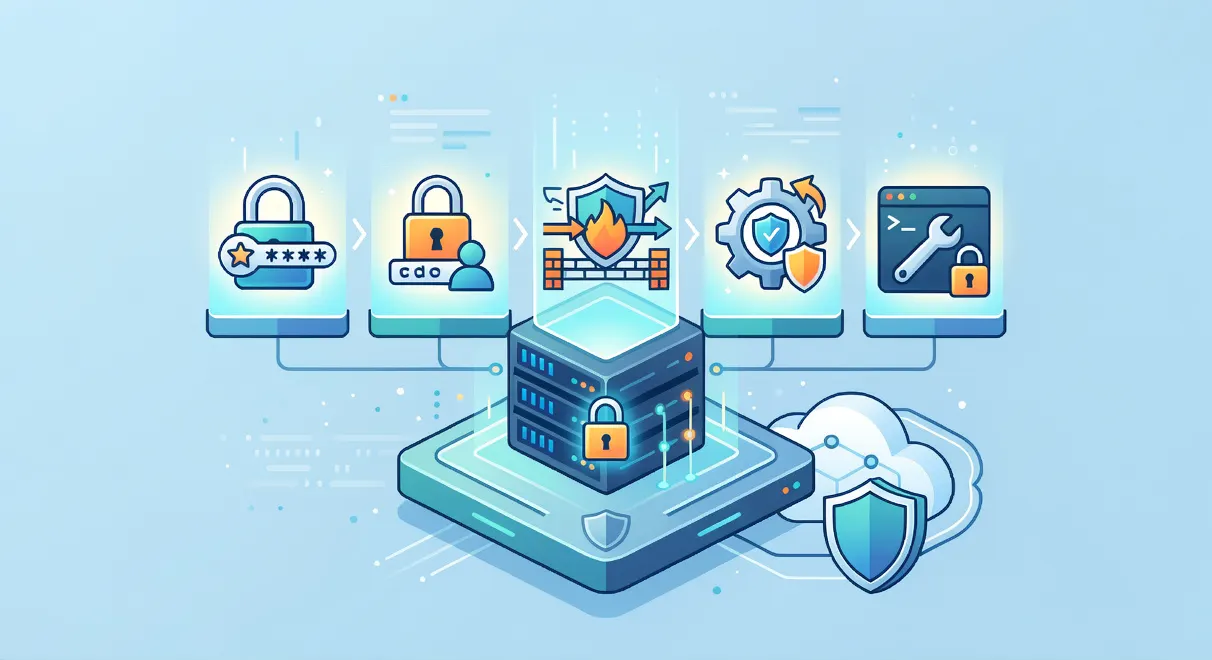
5 Essential Security Tips for Hardening Your VPS
When you're running a Virtual Private Server, security is paramount. A single successful attack could compromise your data, take down your sites, and damage your reputation. But with the right hardening steps, you can greatly reduce your risk. Here are five essential security measures every VPS owner should implement.
1. Disable Password Authentication and Use SSH Keys
Passwords are the weakest link in server security. Brute force attacks can easily guess weak passwords, and even strong passwords can be compromised in data breaches. The solution? Disable password authentication entirely and only allow SSH key-based login.
With SSH keys, you generate a cryptographic key pair on your local machine and install the public key on your VPS. Then you can only connect if your local machine has the corresponding private key. Much more secure than any password.
2. Configure a Firewall to Restrict Traffic
By default, a new VPS will accept traffic on all ports. This is convenient but dangerous – it leaves many potential entry points for attackers. The fix is to set up a firewall that only allows traffic on ports you explicitly specify, typically web (80 and 443), SSH (22), and maybe a few others depending on your apps.
Popular firewall tools include iptables, nftables, and UFW. Most VPS operating systems have one of these included – just make sure you configure the rules before exposing your server to the internet.
3. Enable Automatic Security Updates
One of the most common ways servers get hacked is unpatched vulnerabilities. New security holes are found in operating systems and applications all the time. If you don't apply the latest patches, your VPS is a sitting duck.
The solution is to enable automatic security updates. On Ubuntu, for example, you can use the unattended-upgrades package to fetch and install security fixes daily. Just be sure to monitor for any update-related issues.
4. Use Fail2Ban to Combat Brute Force Attacks
Even with strong SSH key security, brute force login attempts can still consume server resources and potentially find a way in. To fight back, install Fail2Ban.
Fail2Ban monitors login attempts and automatically bans (firewall blocks) any IP that fails too many times. It's highly effective at shutting down dictionary attacks while still allowing legitimate access.
5. Keep an Eye Out for Rootkits and Suspicious Processes
Rootkits are malware that burrow deep into your server's operating system, hiding from normal detection. They can quietly steal data or open backdoors for later attacks.
To catch rootkits, you need special scanning tools like rkhunter and chkrootkit. Run these regularly and investigate any unusual findings. Also keep an eye on process lists (ps) and network connections (ss) for suspicious activity.
Security is a Journey, Not a Destination
Hardening your VPS is not a one-time task – it's an ongoing process. New threats emerge constantly, so it's important to stay vigilant and keep your security measures updated. But if you follow these five essential tips, you'll be well on your way to a much more secure server. Stay safe out there!